Lenovo ideapad S340-14API
LCD panels we found inside this model.
Same model, different panels. We opened this model 4 times and found 2 different panel part numbers. Read the label on the back of your panel before ordering.
- B140HTN02 14.0"AUO seen 2×
- NT140FHM-N43 V8.0 14.0"BOE seen 2×
Teardown videos
Our own screen replacement on this model. The panel part number above was read off the panel in this video.


How to confirm your panel
- Remove the bezel and lift the panel enough to see its back.
- Find the sticker with the part number (e.g.
B140HTN02). Ignore the laptop maker's own part label. - Look that number up here, then check its Substitutes list before buying.
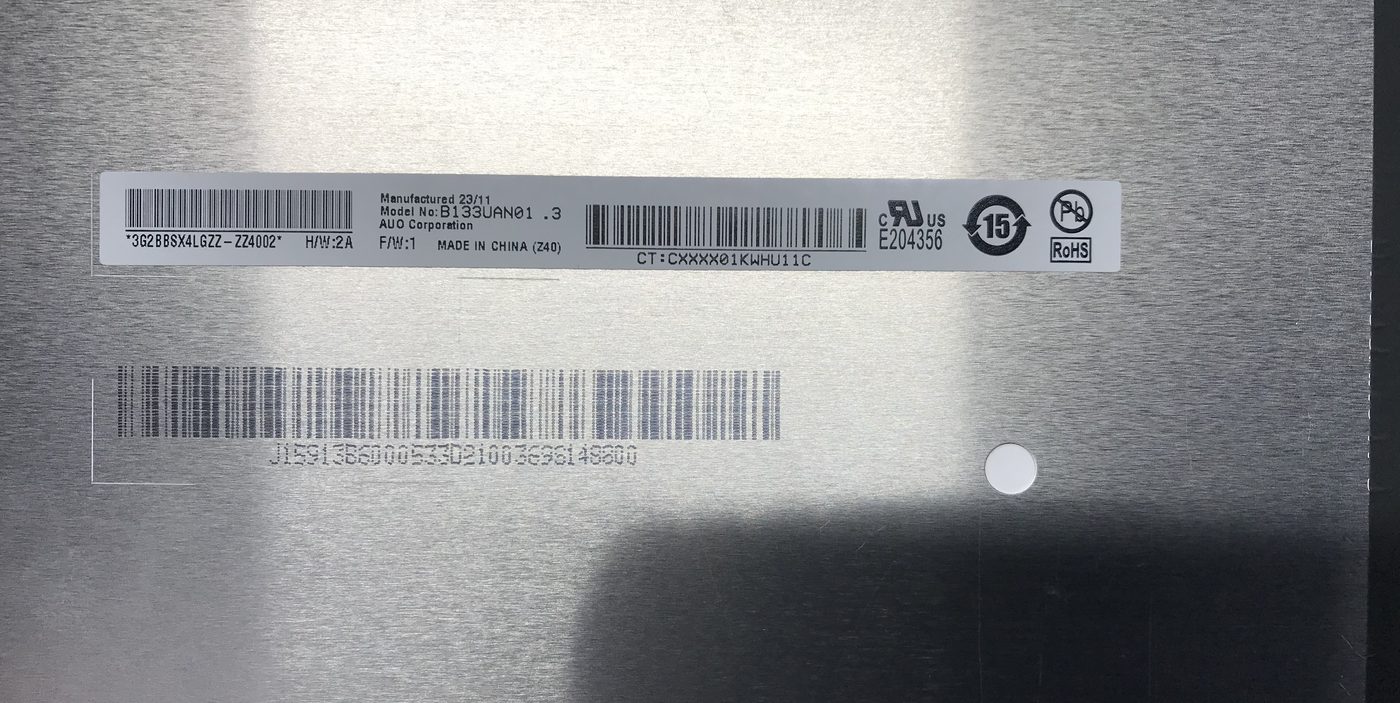
B133UAN01.3.Where to buy
Search B140HTN02 on eBay Search B140HTN02 on AliExpress Search B140HTN02 on Amazon