Acer AN515-52-JF78H/F
LCD panel we found inside this model.
One observation so far. Manufacturers switch panel suppliers within the same model — in our records, 56% of models opened more than once had different panels inside. Read the label on your panel before ordering.
- LP156WFC SP P3 15.6"LG Display seen 1×
Teardown videos
Our own screen replacement on this model. The panel part number above was read off the panel in this video.

How to confirm your panel
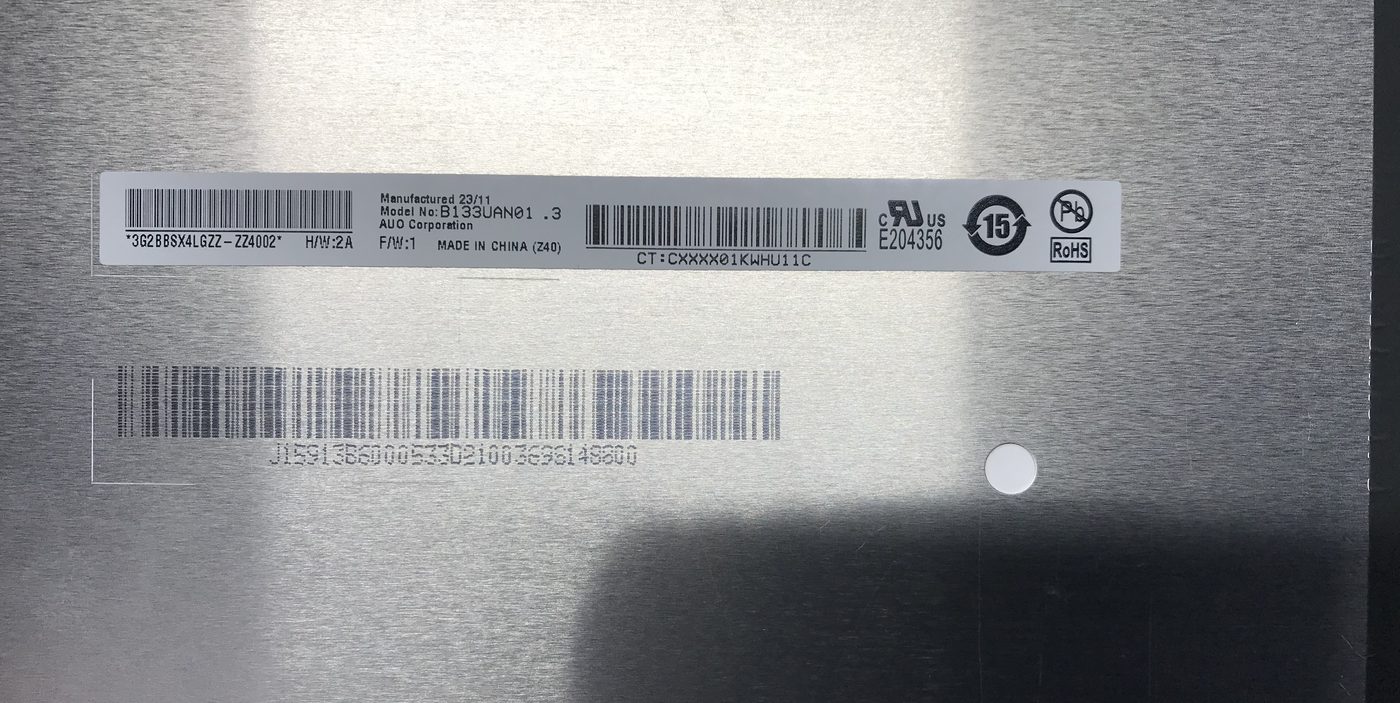
- Remove the bezel and lift the panel enough to see its back.
- Find the sticker with the part number (e.g.
LP156WFC SP P3). Ignore the laptop maker's own part label. - Look that number up here, then check its Substitutes list before buying.
B133UAN01.3.Where to buy
Search LP156WFC SP P3 on eBay Search LP156WFC SP P3 on AliExpress Search LP156WFC SP P3 on Amazon